Meshes
Deborah Schmidt
Head of Helmholtz Imaging Support Unit, MDC Berlin
Sep 17, 2025

Converting voxel datasets into meshes
- Fixed thresholds: Used to generate meshes by separating foreground from background using a set intensity threshold.
- Content-based annotations: Create precise meshes by using annotated regions to define boundaries.
- Machine learning & interactive labeling: Interactive tools combine user input with AI predictions to refine boundaries.
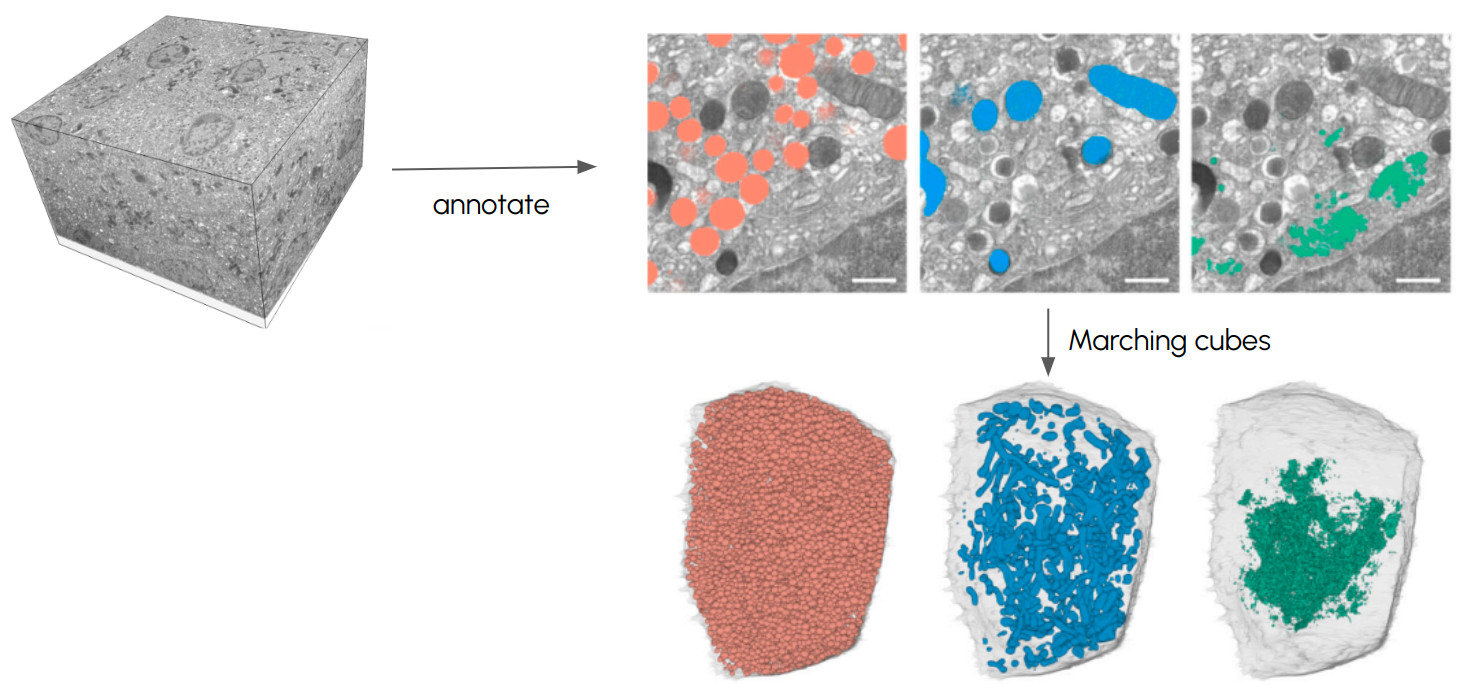
Converting voxel datasets into meshes
Marching Cubes
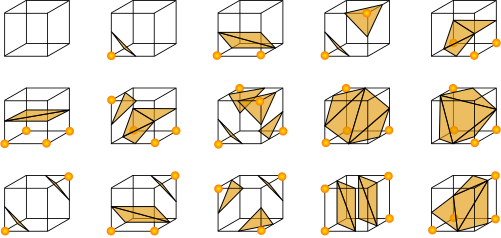
Marching cubes algorithm. Credit: Ryoshoru, Jmtrivial on Wikimedia, CC BY-SA 4.0

Converting volumetric datasets into meshes
Conversion scripts
- Install and activate environment (guide)
- Download Notebook voxel_rendering_napari.ipynb into workshop directory
- Type
jupyter laband pressEnter - Open Notebook from list of files on the left side
- Run Cells in the Notebooks one by one by pressing
ShiftandEnter
Mesh processing
Reducing mesh complexity
- Decimation: A process to reduce the number of polygons in a mesh while maintaining the overall shape and detail.
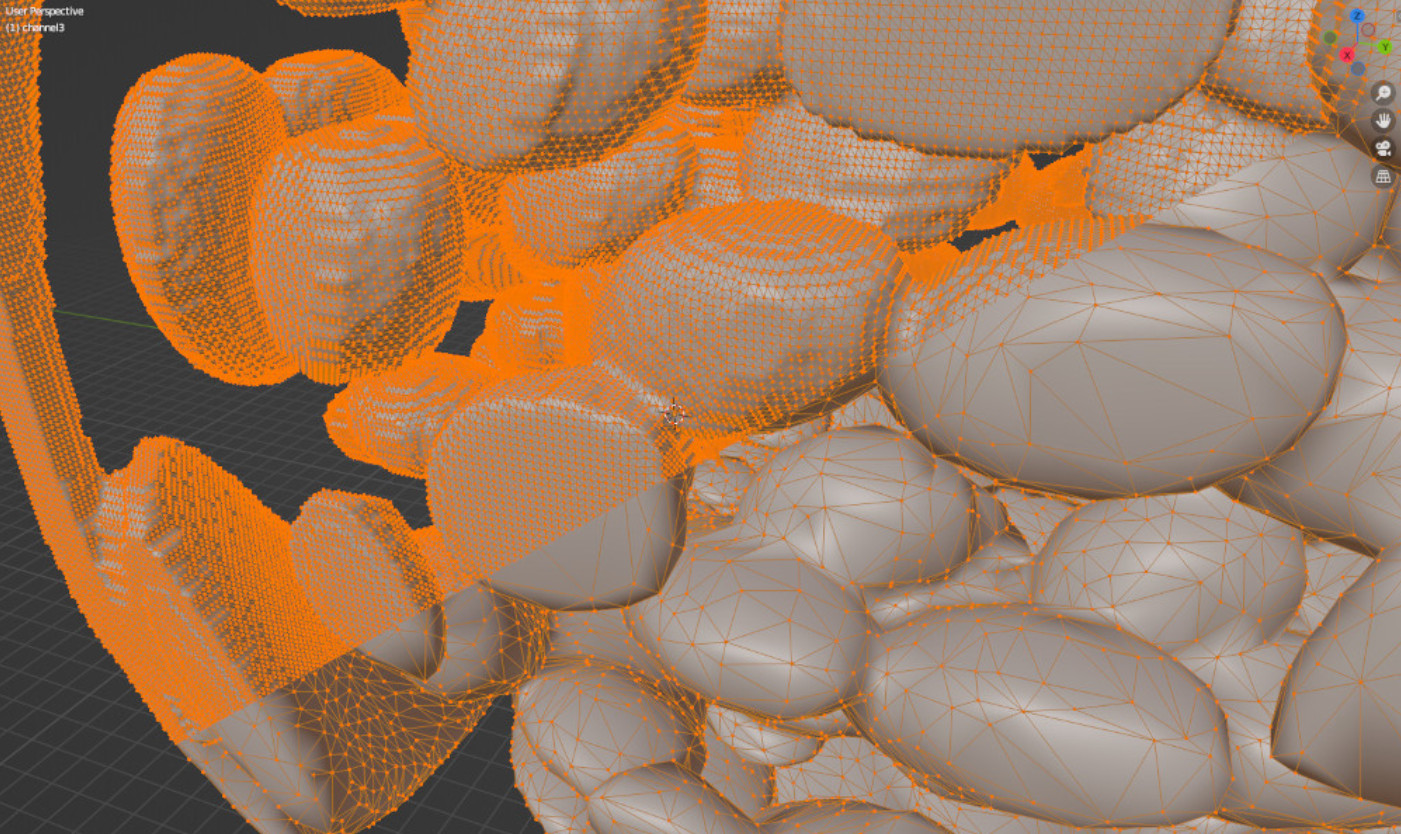
- Remeshing: Tools like MeshLab and Blender offer remeshing techniques that can optimize mesh topology for better performance.
- LOD (Level of Detail): Use LOD techniques to switch between different levels of mesh complexity based on the viewer’s distance.