Volume rendering with BigDataViewer tools
Deborah Schmidt
Helmholtz Imaging | MDC Berlin
Sep 25, 2024

Introduction
Key Features of BDV:
- Multi-resolution rendering: BDV supports multi-resolution pyramids, allowing fast, real-time exploration of large datasets.
- Arbitrary slicing: Enables users to zoom, rotate, and slice through datasets interactively and in any angle.
- Multiple data sources with individual transformations: Enables visualization of datasets consisting of multiple acquisitions.
- Comes preinstalled with Fiji.
BDV compatible formats
Supported Data Formats:
- ZARR/HDF5/N5: These formats allow for hierarchical storage of large datasets, enabling faster access to the data and efficient memory usage.
- Any dataset Fiji compatible dataset: While these images might not support multi resolution rendering, they can still be imported into BDV to leverage arbitrary slicing.
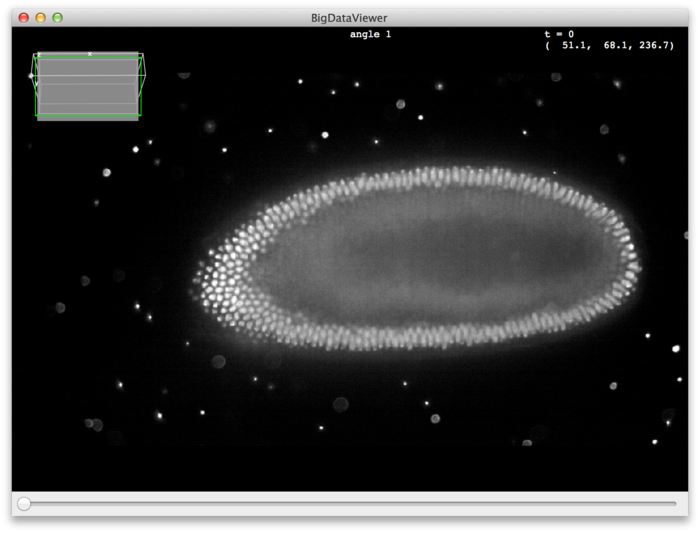
Apps based on BDV
BigVolumeViewer (BVV)
- GPU-accelerated rendering: BVV uses GPU processing to speed up the rendering of extremely large volumetric datasets.
- Multi-scale volume rendering: Allows for efficient exploration of datasets by loading data at different scales.
Apps based on BDV
MultiModal Big Image Data Sharing and Exploration (MoBIE)
Key Features of MoBIE:
- Special focus on multimodal image datasets
- Can stream remote data
- Support of interactive tabular data exploration alongside images
- Integrated registration features
Apps based on BDV
Demonstration: Fiji & MoBIE
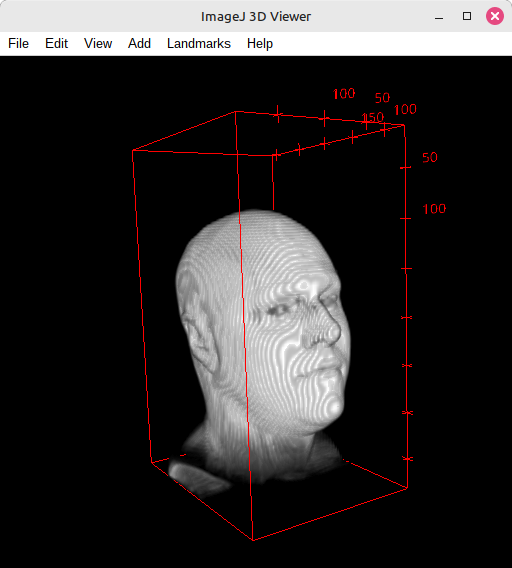
3DViewer
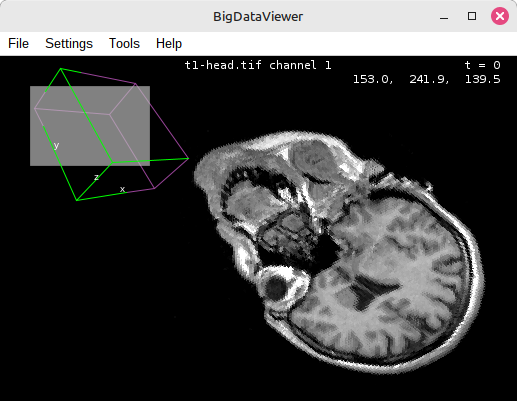
BigDataViewer
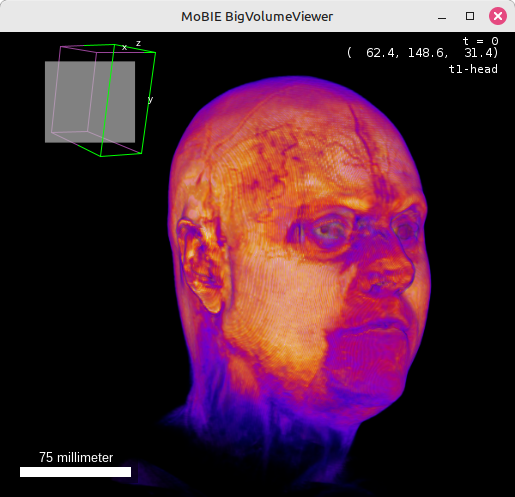
Mobie (BigVolumeViever)
Apps based on BDV
Demonstration: Fiji & MoBIE
- Follow installation instructions here
- Open Fiji
- Open 3D Image (drag & drop) - i.e.
t1-headfrom the example data - Plugins > MoBIE > Create > Create new MoBIE project..
- dataset > Add > Enter name of dataset
- source > Add > current displayed image
- Open in MoBIE
Apps based on BDV
Demonstration: Fiji & MoBIE
Enable BigVolumeViewer:
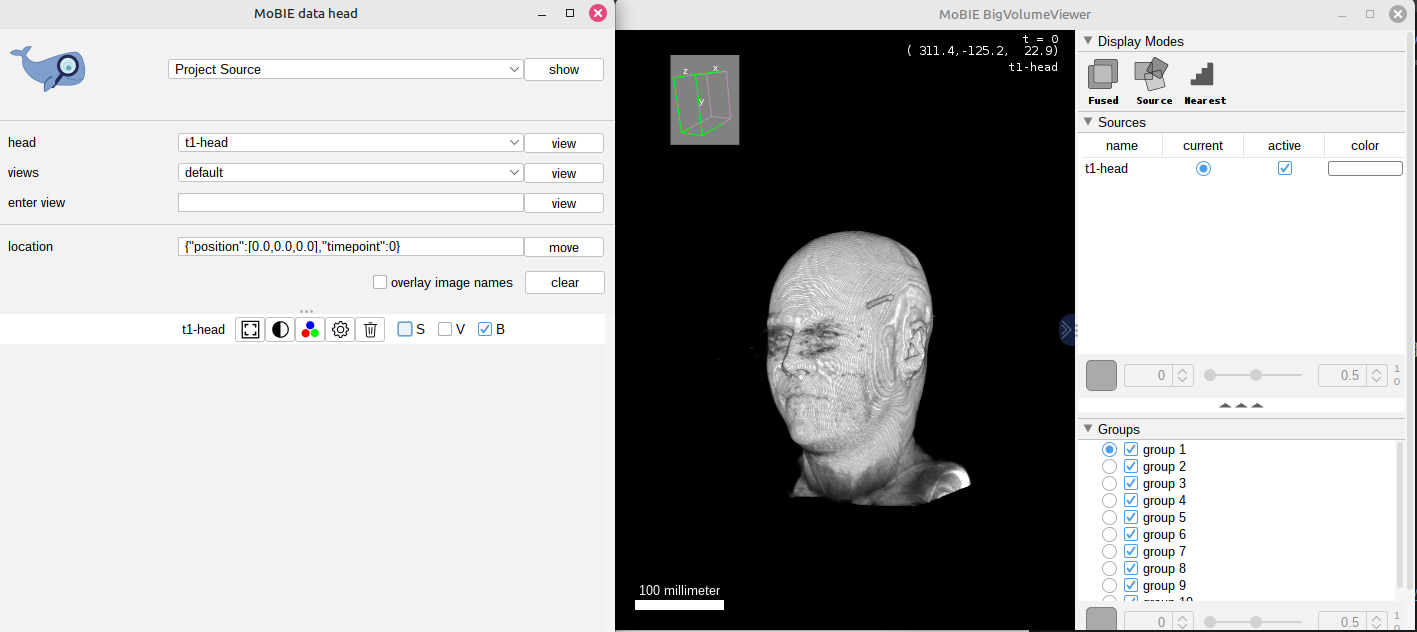
Mobie (BigVolumeViever)
More information here: https://imagej.net/plugins/mobie.
Alternative Conversion Strategies
BDV Plugin in Fiji
Conversion Steps:
- Step 1: Open your 3D image stack (e.g., TIFF) in Fiji.
- Step 2: Go to Plugins > BigDataViewer > Export Current Image as BDV.
- Step 3: Choose the output format (HDF5 or N5) and select any additional options (e.g., multi-resolution pyramid).
Alternative Conversion Strategies
BigStitcher Plugin
Conversion Steps:
- Step 1: Follow the installation instructions.
- Step 2: Open Plugins › BigStitcher › BigStitcher
- Step 3: Click the Define a new dataset button on the left side of the dialog
- Step 4: Follow steps depending on your dataset type (more documentation linked below)
SciView
Key Features of SciView:
- Interactive 3D rendering: Explore volumetric data interactively using SciView’s intuitive interface.
- Supports advanced lighting and shading: Create realistic 3D scenes with SciView’s lighting and shading options.
Paintera
Key Features of Paintera:
- Views of orthogonal 2D cross-sections
- Painting in 3D
- Mesh visualization and on-the-fly generation
