Volume rendering of Voxel based data
Deborah Schmidt
Helmholtz Imaging | MDC Berlin
Sep 25, 2024

Visualizing volumetric datasets
- Slice-Based Visualization: This involves rendering 2D cross-sections or “slices” of the 3D dataset, often used in medical imaging.
- Volume raycasting (max intensity, emission absorbtion)
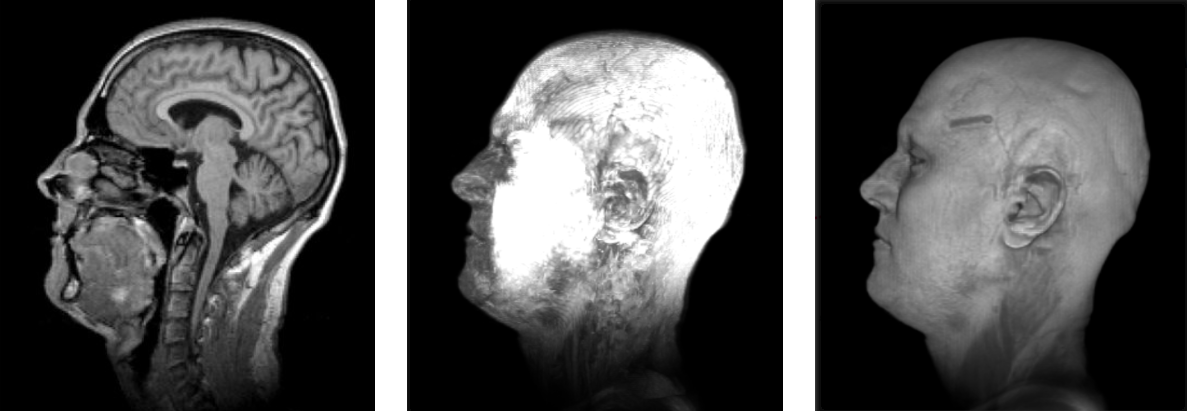
Slicing, Max. Intensity, Emission Absorbtion

Visualizing Voxel Data interactively with napari
- Install and activate environment (guide)
- Download Notebook voxel_rendering_napari.ipynb into workshop directory
- Type
jupyter laband pressEnter - Open Notebook from list of files on the left side
- Run Cells in the Notebooks one by one by pressing
ShiftandEnter
Visualizing volumetric datasets
Transfer functions
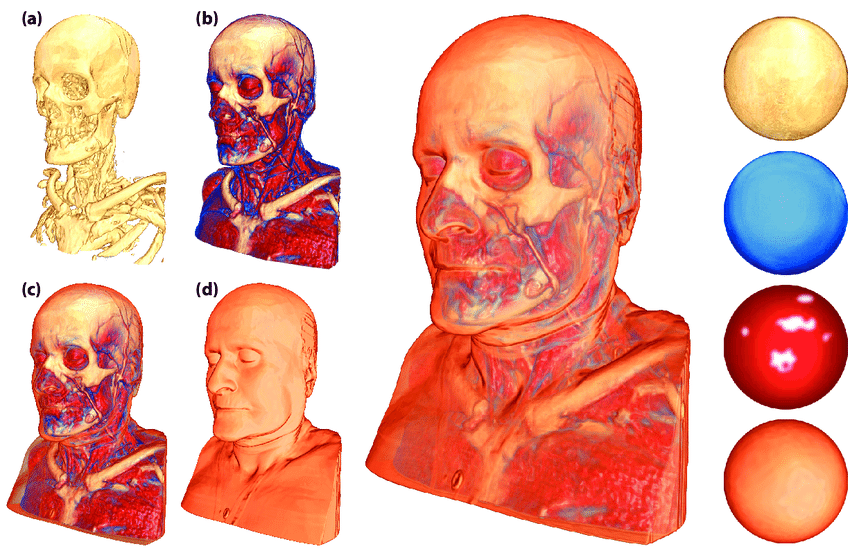
- Figure by Stefan Bruckner from the following publication: Bruckner, Stefan & Gröller, Eduard. (2007). Style Transfer Functions for Illustrative Volume Rendering. Computer Graphics Forum. 26. 715 - 724. 10.1111/j.1467-8659.2007.01095.x.
Rendering with VTK including Transfer Function adjustment
- Install and activate environment (guide)
- Download Notebook voxel_rendering_vtk.ipynb into workshop directory
- Type
jupyter laband pressEnter - Open Notebook from list of files on the left side
- Run Cells in the Notebooks one by one by pressing
ShiftandEnter
Big Data Rendering
How can images be loaded partially and on demand?
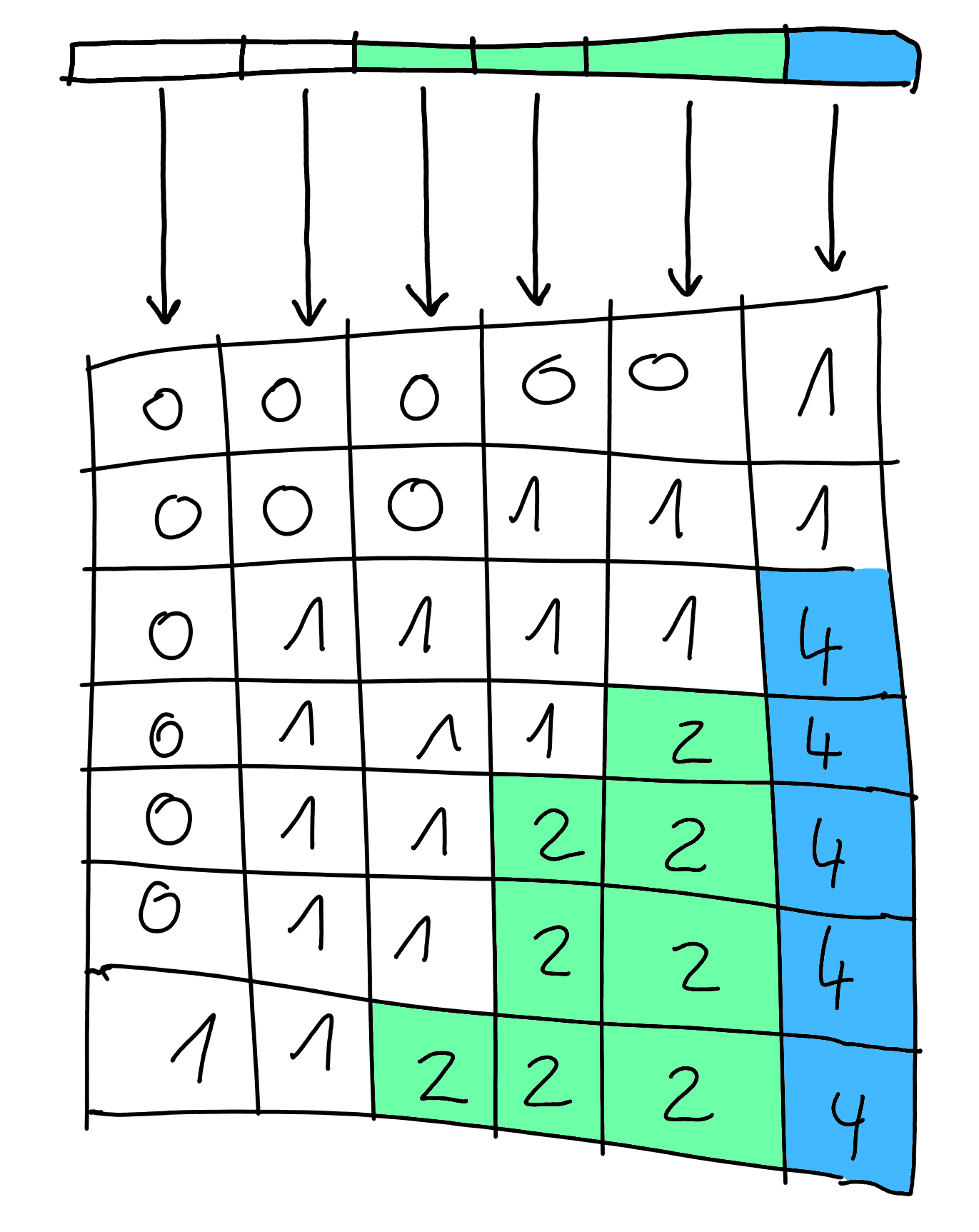
- Image stored in chunks as files on disk
- Image stored in different resolutions
- Open Microscopy Environment specification format (OME-NGFF)
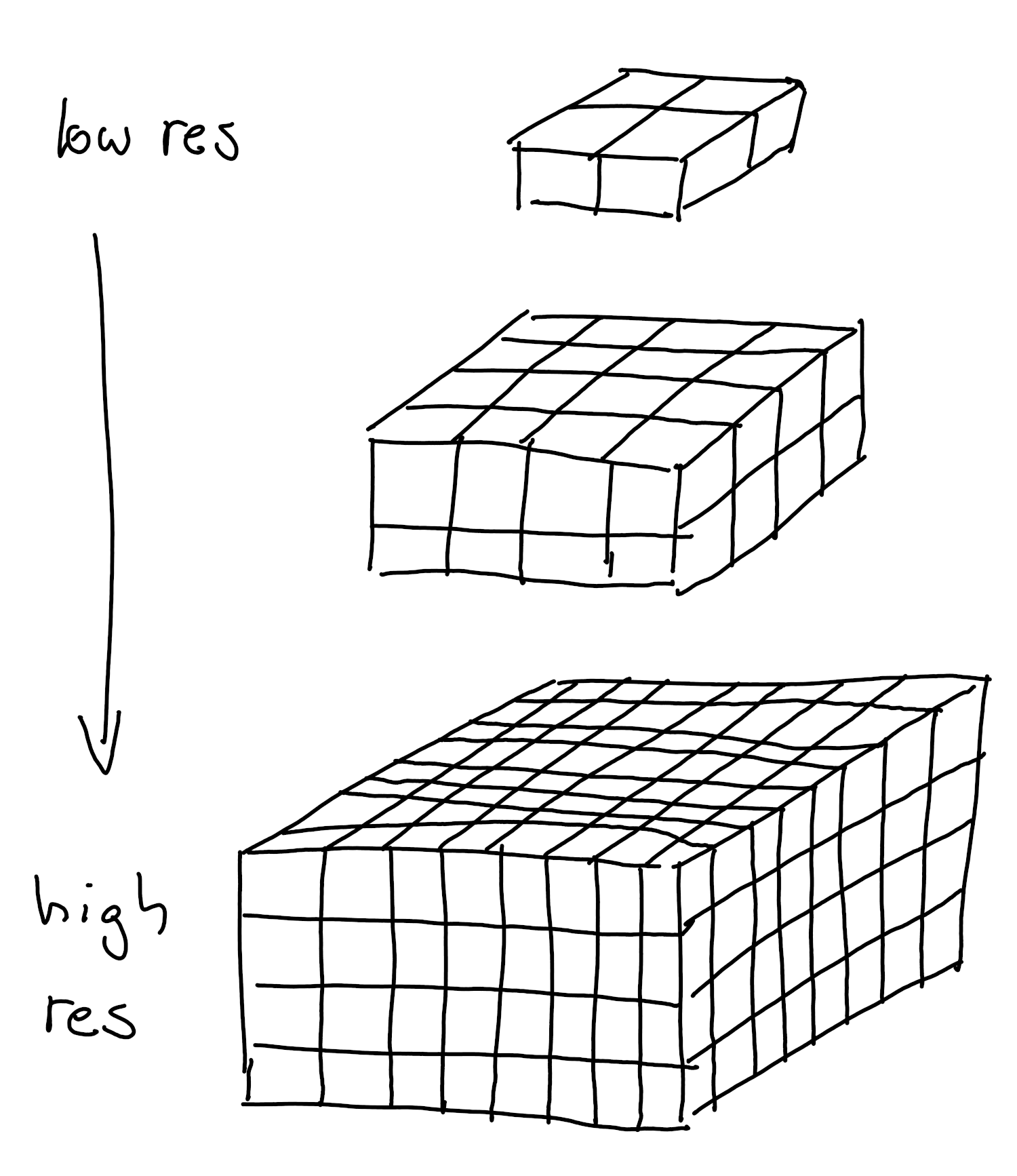
Big Data Rendering
BigDataViewer Ecosystem
- Supports large data formats: The BDV ecosystem can handle massive 3D datasets and allow arbitrary slicing.
Big Data Rendering
Streaming data locally
With Python:
- Step 1: Open your terminal and activate the workshop environment
- Step 2: Download this script somewhere convenient.
- Step 3: Navigate to your data:
cd workshop - Step 4: Run the script:
python server.py - Step 2: Open the Neuroglancer demo page and enter the local URL of your data (e.g.,
zarr://http://localhost:8000/my-dataset.ome.zarr).
Big Data Rendering
Providing data
- Open https://ome.github.io/ome-ngff-validator/
- Either open one of their example URLs, or..
- .. attach your data URL to the validator URL: https://ome.github.io/ome-ngff-validator/?source=http://0.0.0.0:8080/my-dataset.ome.zarr
Visualizing volumetric datasets
Web based rendering with Neuroglancer
- Collaboration-friendly: Share URLs with collaborators to provide access to the 3D visualization.