Pointcloud Showcase
Deborah Schmidt
Head of Helmholtz Imaging Support Unit, MDC Berlin
Sep 29, 2026

Point cloud data
Example notebook
- Color by the scan’s own color
- Color by a property
- Estimate normals
- Color by normal direction
- Save PLY, with colors and normals attached
Point cloud data
Getting that PLY into Blender
Project BESSY2 Reconstruction
Helmholtz Imaging Collaboration with Jan-Simon Schmidt (HZB)


Jan-Simon Schmidt (HZB), Ole Johannsen (DKFZ, now MDC, Helmholtz Imaging), Deborah Schmidt (MDC, Helmholtz Imaging)
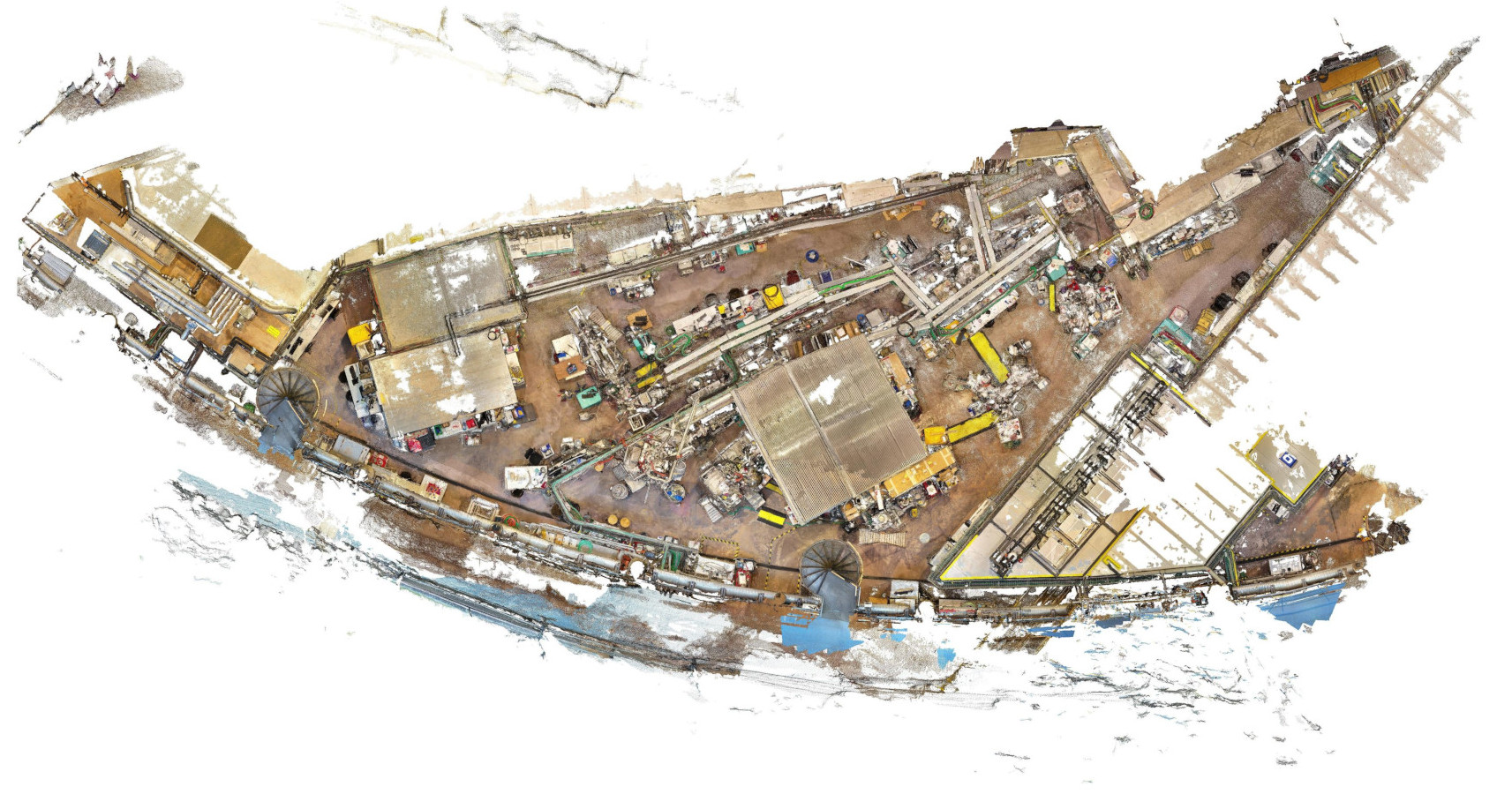
Project BESSY2 Reconstruction
Workflow & Tools
- Extract point clouds from frames of drone video footage
- Clean & rotate, and merge point clouds (using CloudCompare)
- Render results in Blender for inspection & visualization
- Integrate room layout by converting SVG file to Mesh & import it in Blender
- Convert to Potree format (multi resolution)
- Upload to public server → Accessible in browser with Potree (open-source WebGL based point cloud renderer for large point clouds)
Blender fly-through
Floor plan
Blender floor
Potree / Entwine-generated EPT format
Large point clouds
Do it yourself: convert and visualize in Potree
PLY → LAS → EPT octree
With Docker
docker run --rm -v "$PWD:/data" pdal/pdal \
  pdal translate /data/cloud.ply /data/cloud.las

docker run --rm -v "$PWD:/data" connormanning/entwine \
  build -i /data/cloud.las -o /data/ept --threads 8
With micromamba
micromamba create -n entwine -c conda-forge entwine pdal
micromamba activate entwine

entwine pdal translate cloud.ply cloud.las

entwine build -i cloud.las -o ept --threads 8
Large point clouds
Do it yourself: host and open
# 3 · serve the directory containing ept/, with CORS
python example_data/server.py -d . -p 8123
Open it in the Helmholtz Imaging Potree instance
https://ida-mdc.gitlab.io/potree-launcher/?dataUrl=http://127.0.0.1:8123/ept/ept.json
- The launcher takes any
dataUrl: EPTept.json, Potreecloud.js/metadata.json, or a COPC.laz server.pysends required CORS headers