Point Clouds in Blender
Deborah Schmidt
Helmholtz Imaging | MDC Berlin
Sep 29, 2026

Introduction
Import the PLY
- File > Import > Stanford PLY (
wm.ply_import) - Import Colors: sRGB - carries per-vertex color in as a color attribute
- Import Attributes on - any other named per-vertex property comes in too
- Lands as an ordinary mesh: all vertices, zero faces
- Ant point cloud: Antscan specimen 1031, Acromyrmex balzani, CC BY 4.0 · exported from
point_clouds_tutorial.ipynb
From vertices to points
- Object > Convert To > Point Cloud
- Every point gets its own radius -
point.radiusper point, or one value for all - Whatever named attributes the PLY carried ride along unchanged
Color from the scan
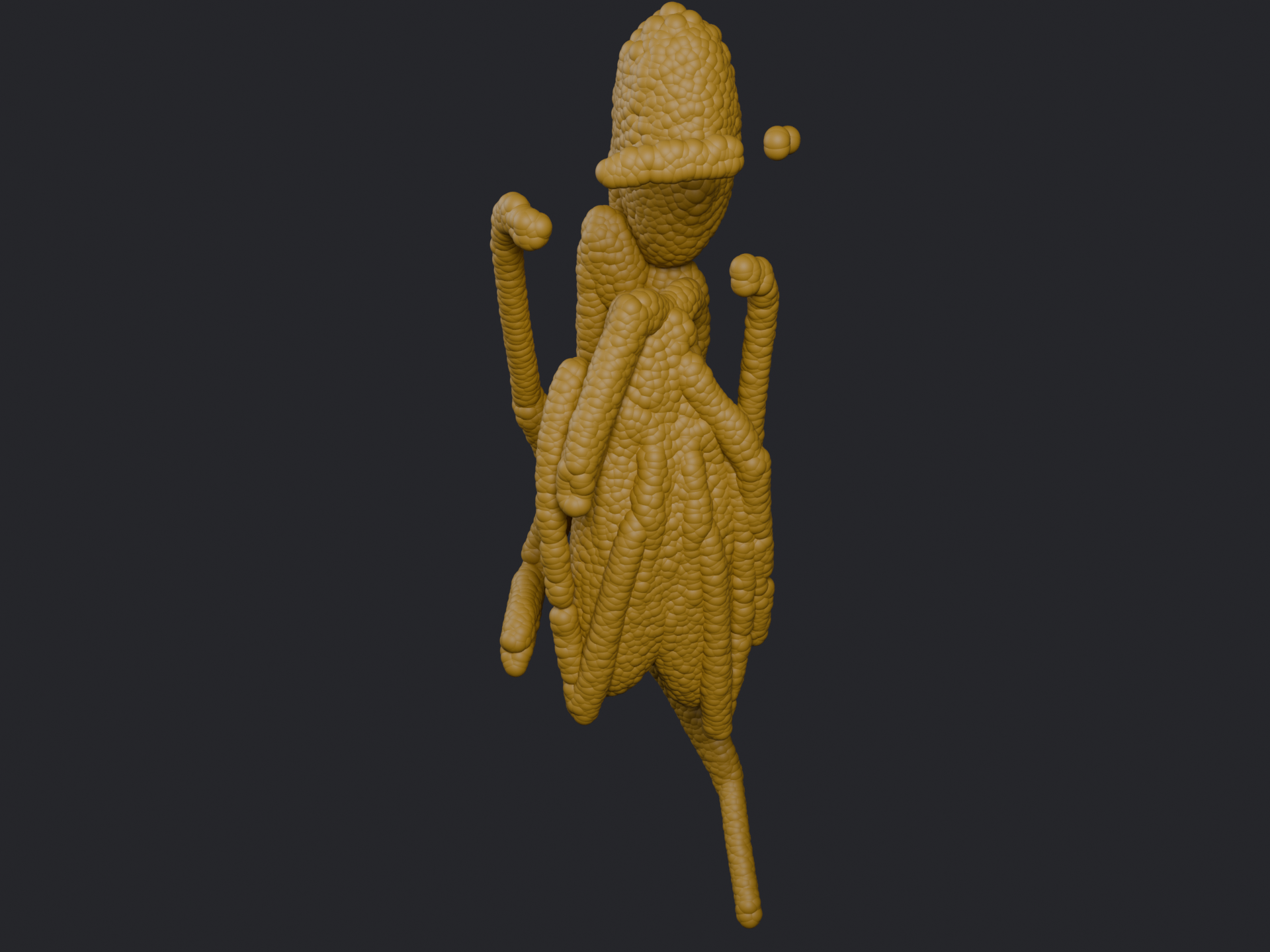
Attribute node (Geometry, name ‘Col’) → Base Color. Whatever color the point carries, straight through.
Color from a property
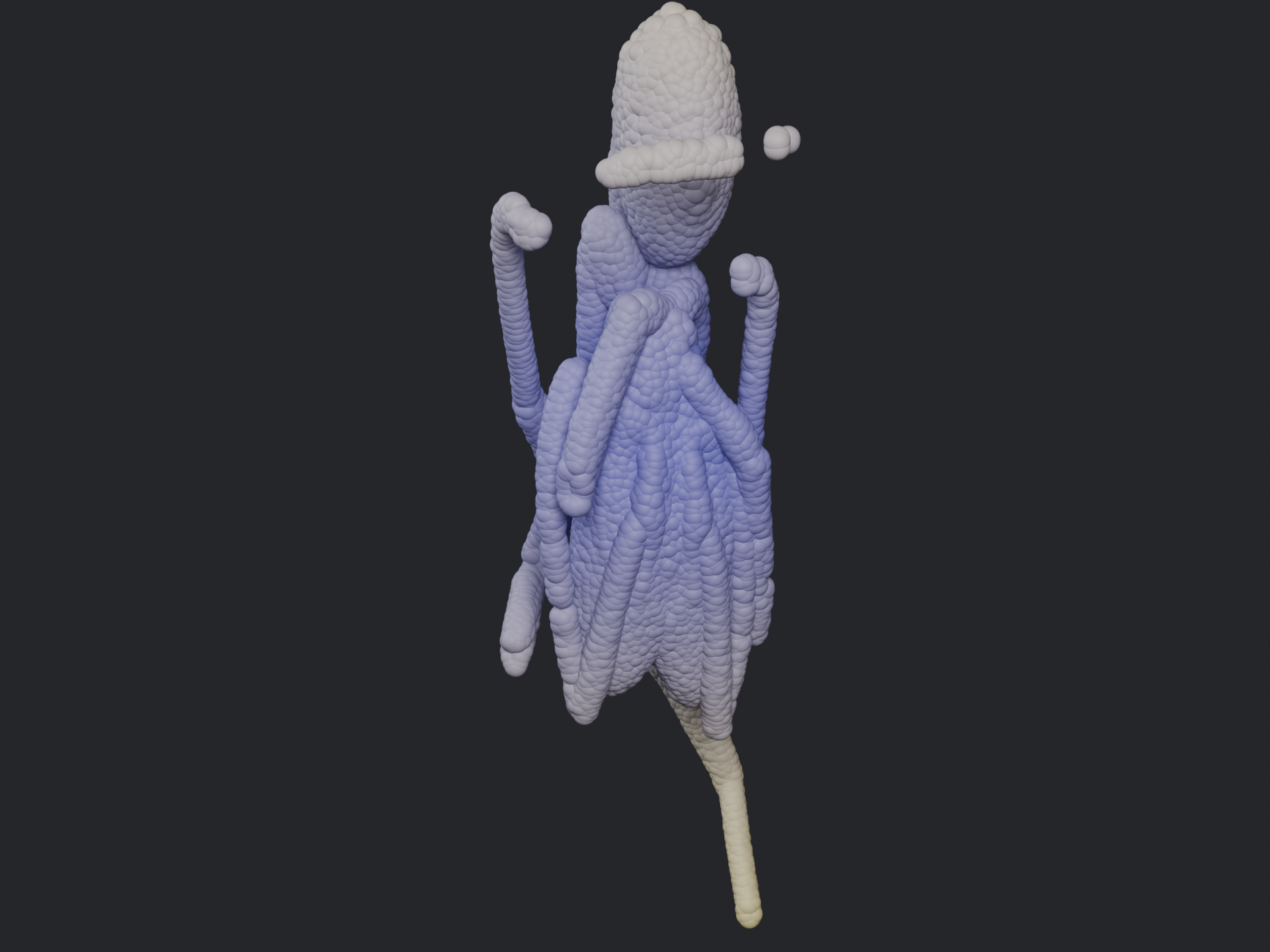
Attribute node (Geometry, name ‘dist’) → Color Ramp → Base Color. A scalar - distance from the centroid here - through a colormap instead of a lookup.
Naming, one more time
- Blender’s Point Cloud object reserves an attribute literally named
radiusfor point size - A property you export under that name silently becomes point size, not color
- This deck’s distance-from-centroid property is exported as
distfor exactly that reason
- Ant: Antscan specimen 1031, Acromyrmex balzani, CC BY 4.0 · Katzke et al. (2026), High-throughput phenomics of global ant biodiversity, Nat Methods 23, 663–672