Ways to Make Things Transparent in Blender
Deborah Schmidt
Helmholtz Imaging | MDC Berlin
Sep 25, 2026

Introduction
Alpha
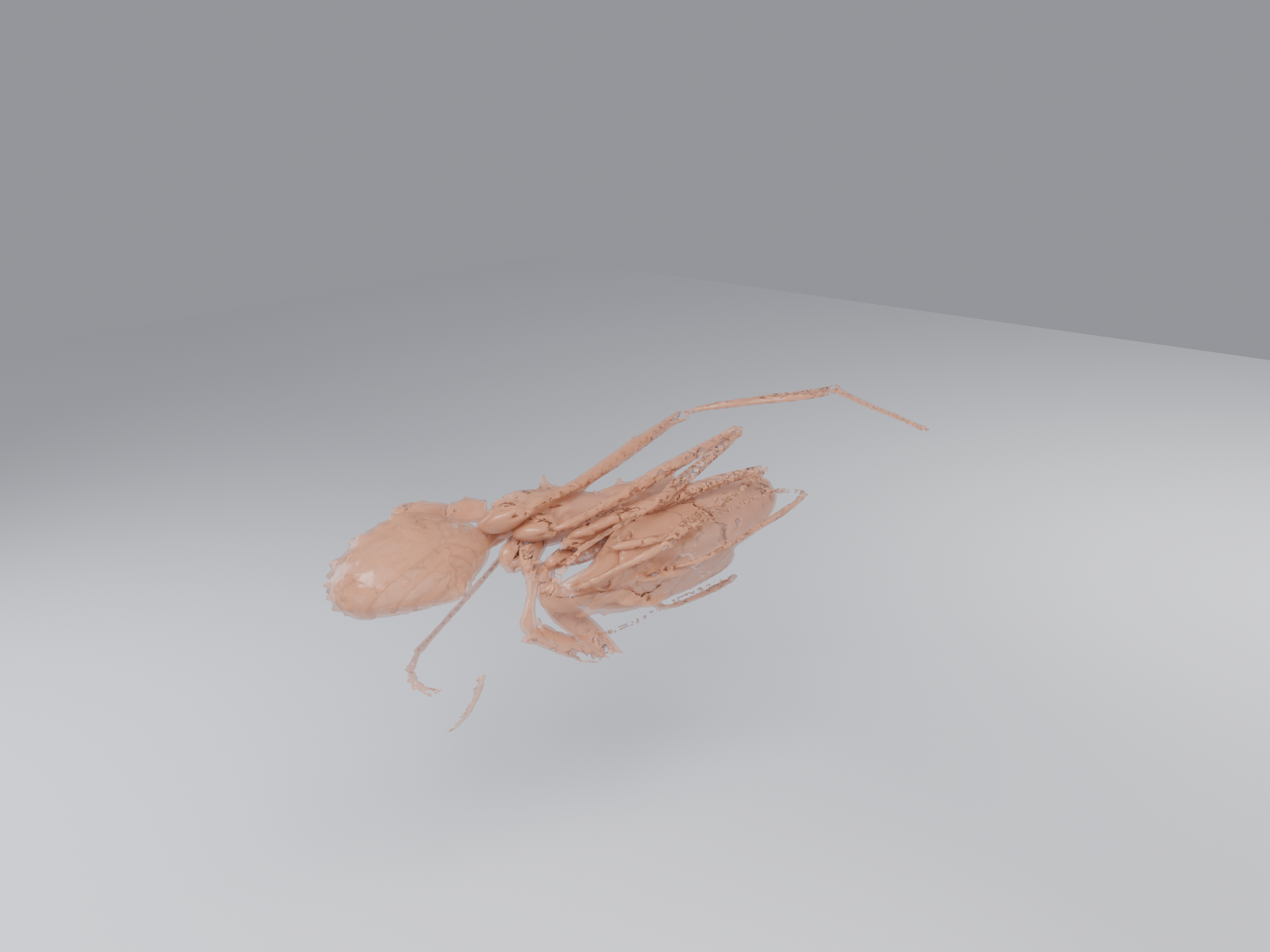
Alpha 0.45
- Ant: Antscan specimen 1031, Acromyrmex balzani, CC BY 4.0
Transmission
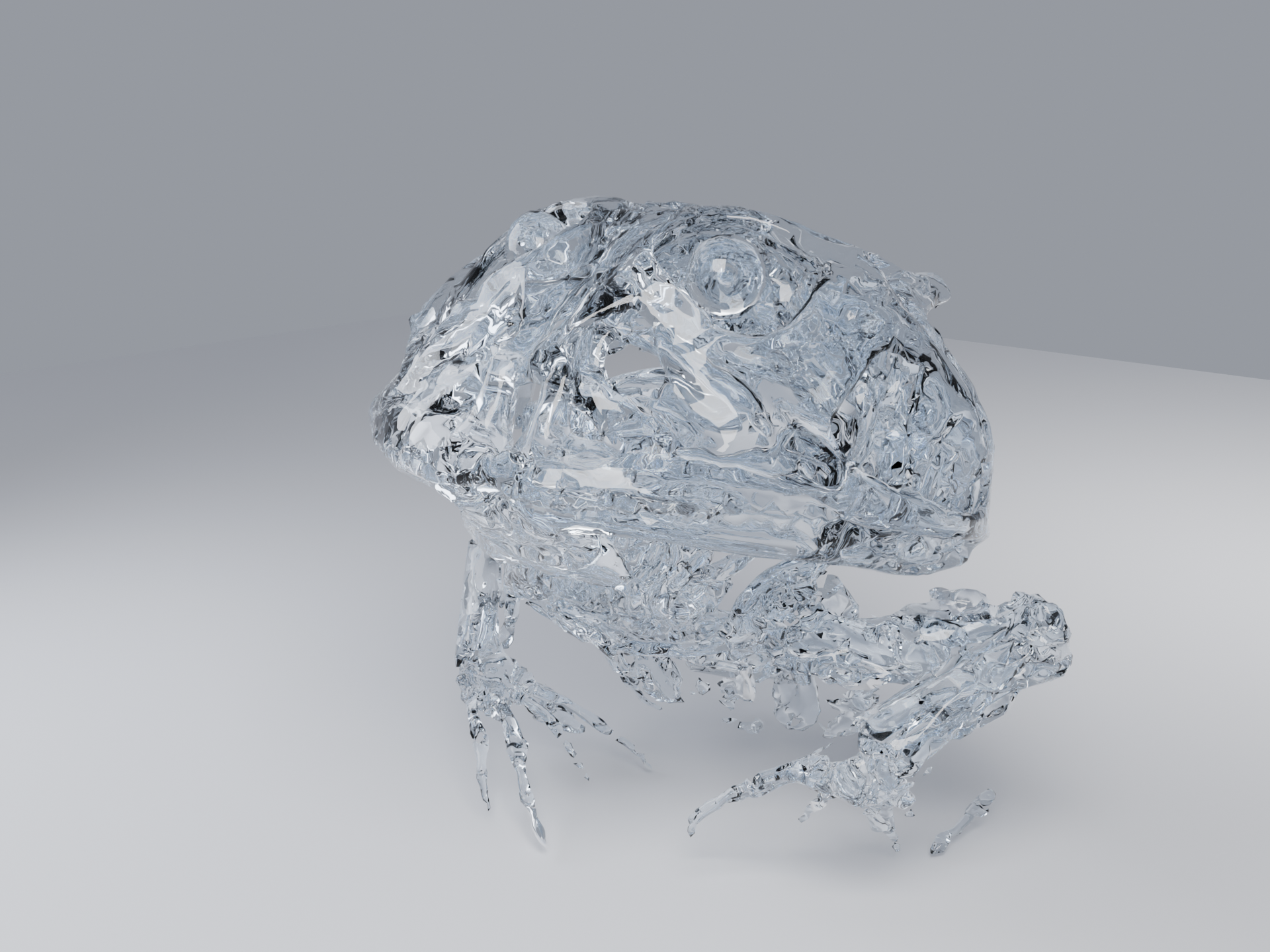
Transmission Weight 1.0 · Roughness 0.02 · IOR 1.45
- Frog: Kleinteich & Gorb, CC0
Transparent
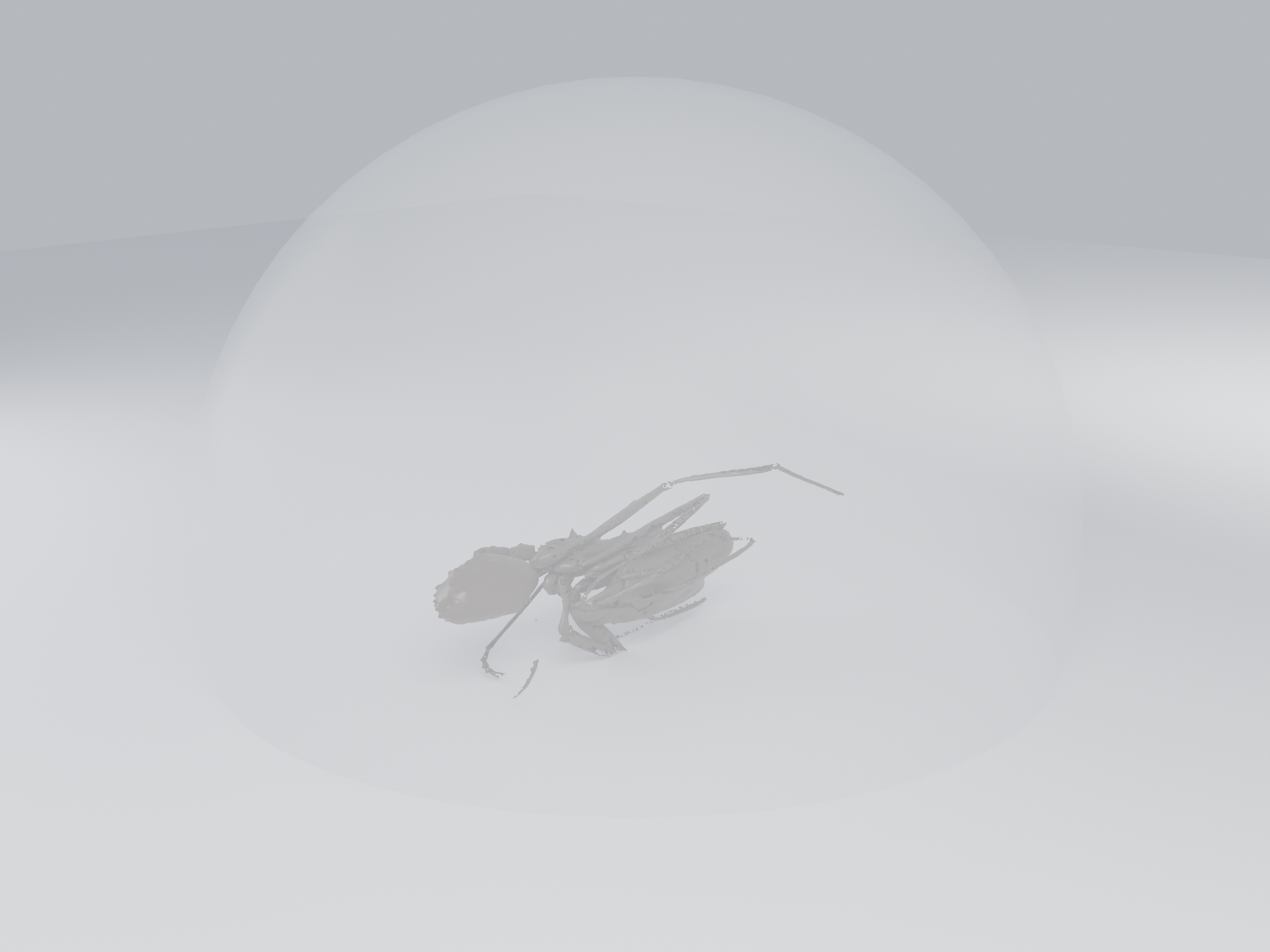
Alpha 0.15 · no Transmission
Satin glass
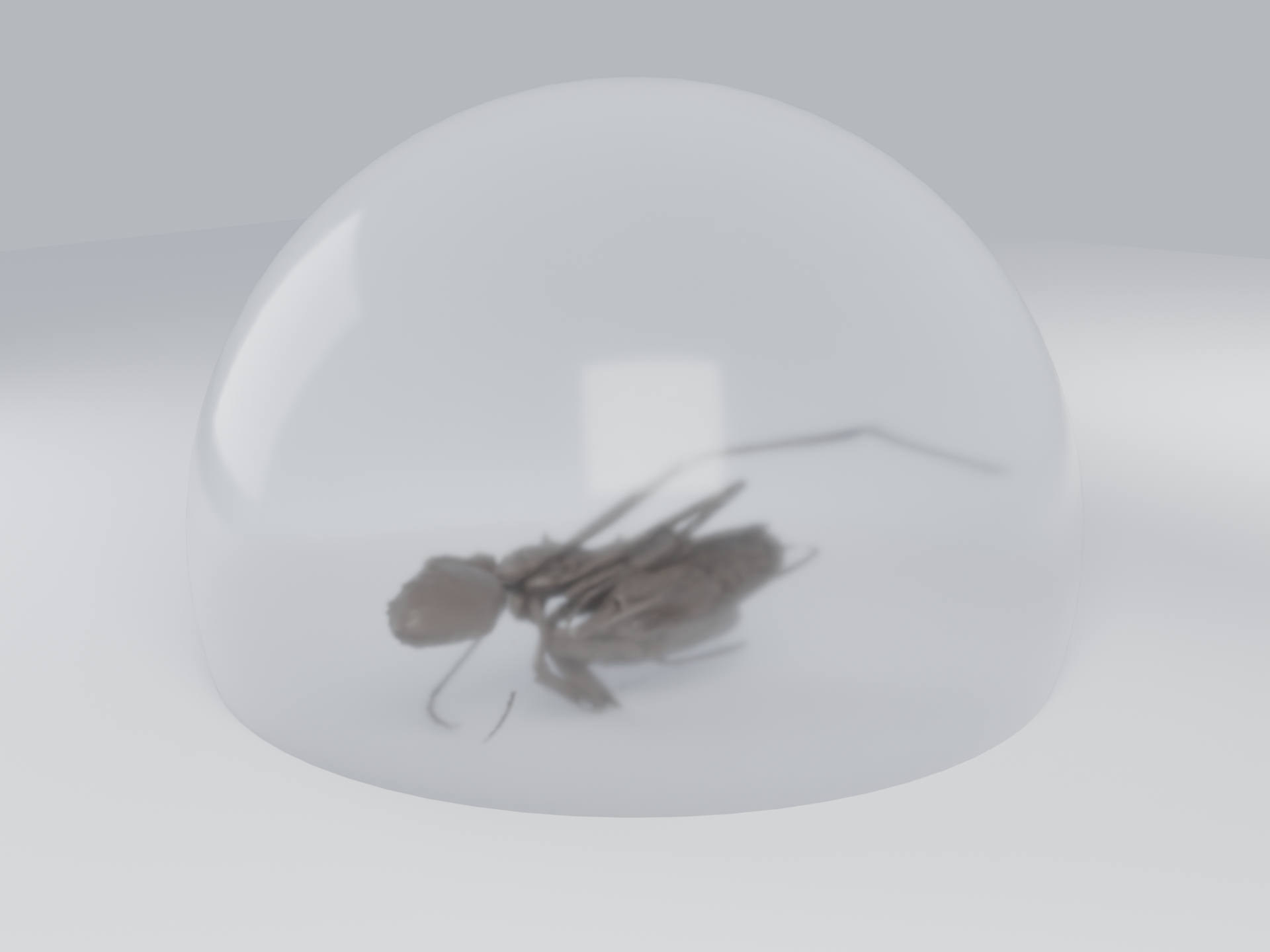
Transmission Weight 1.0 · Roughness 0.15
Glass
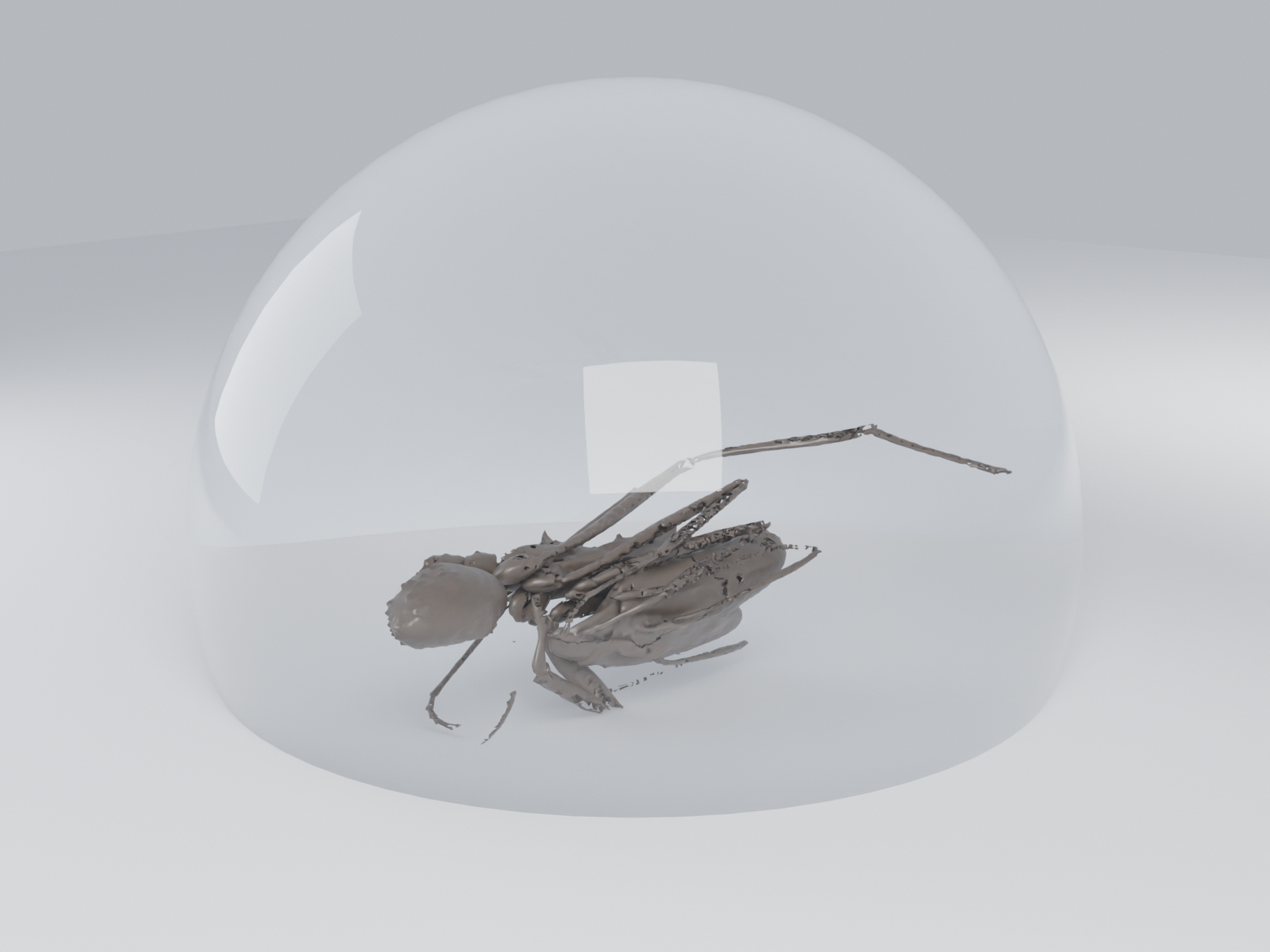
Transmission Weight 1.0 · Roughness 0.02 · IOR 1.45
Tinted glass
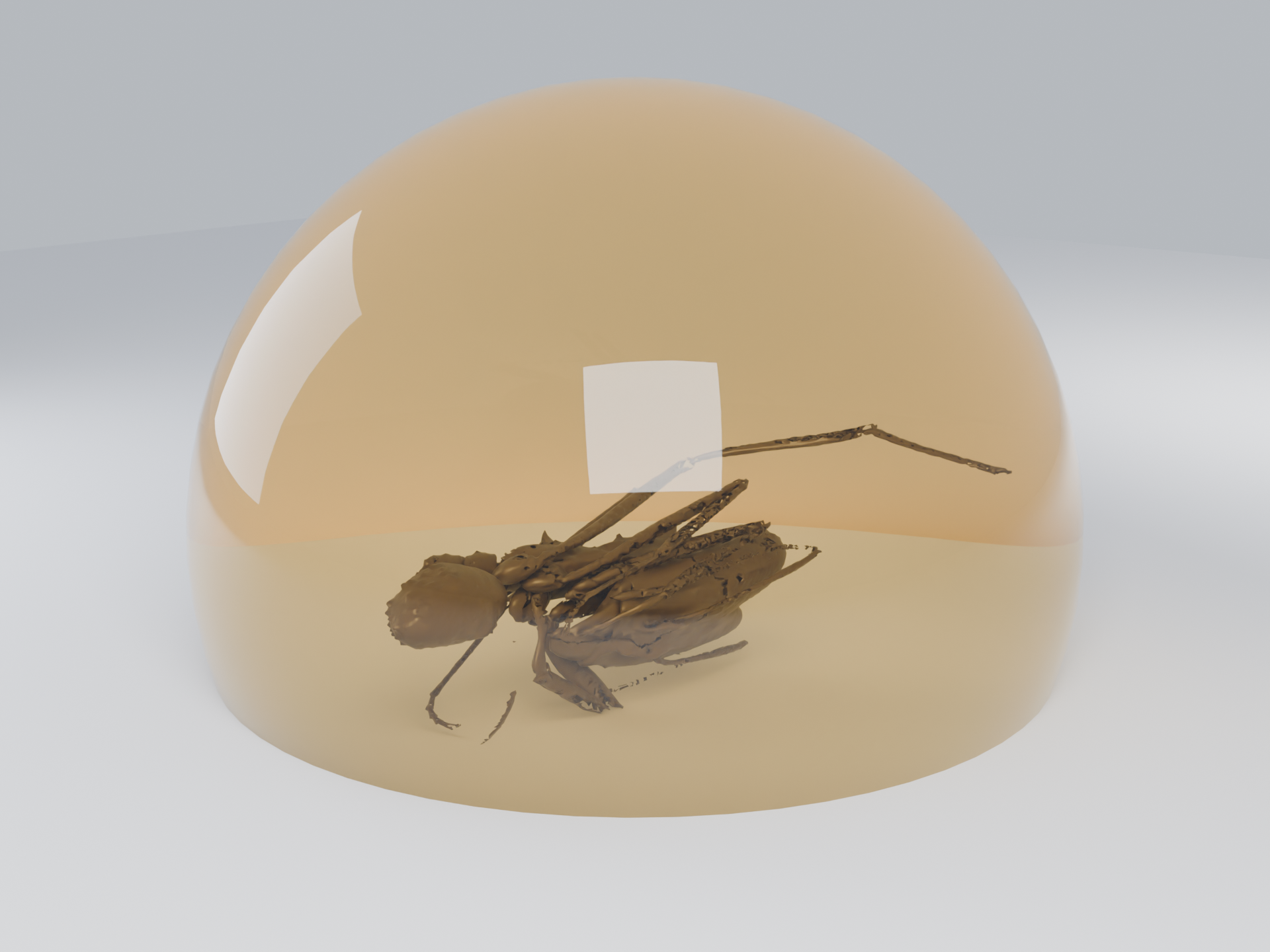
Transmission Weight 1.0 · Roughness 0.02 · IOR 1.45 · Base Color amber
Thin-walled glass
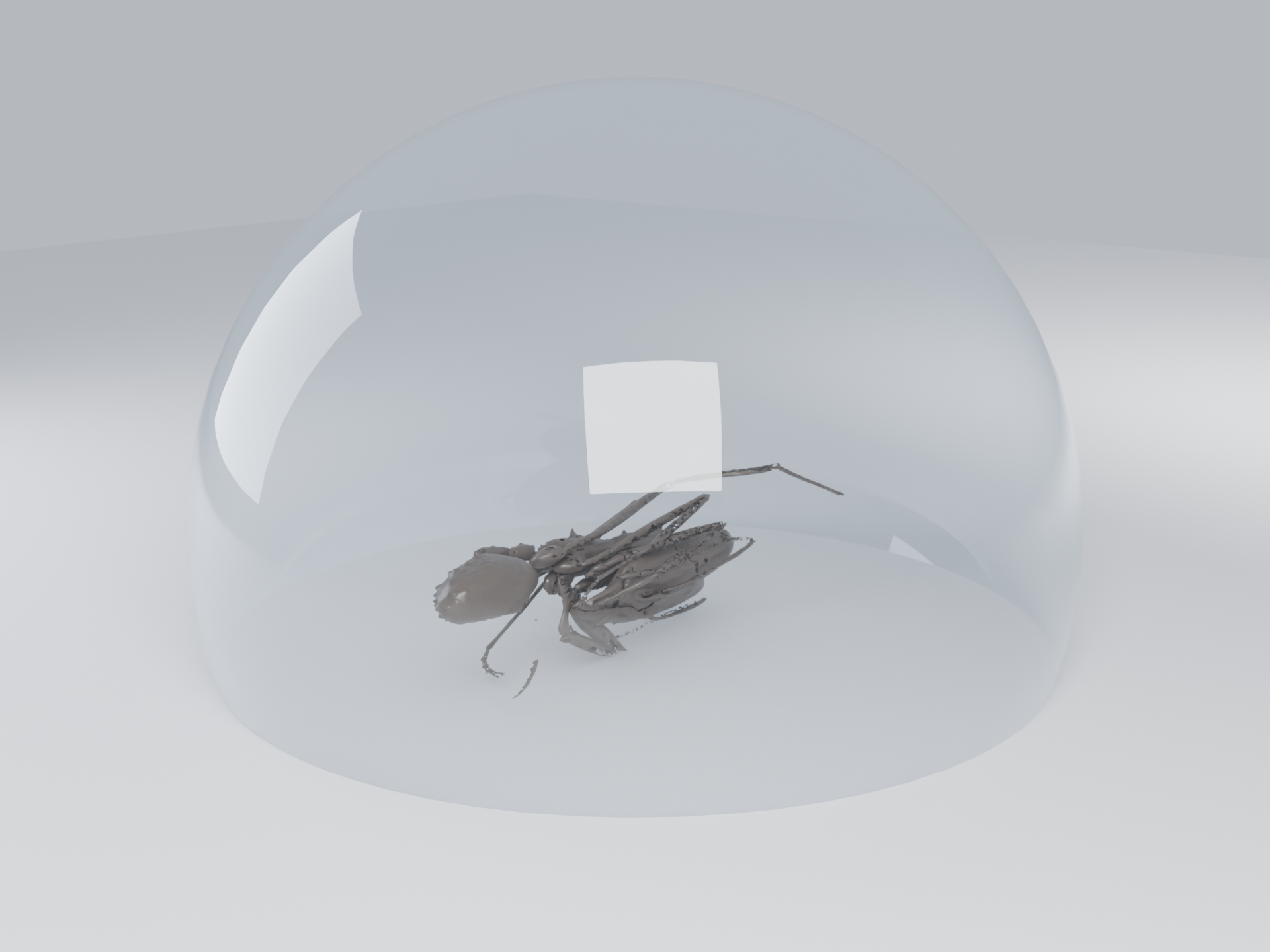
Transmission Weight 1.0 · Roughness 0.02 · IOR 1.45 · Thin Wall on
Crystal
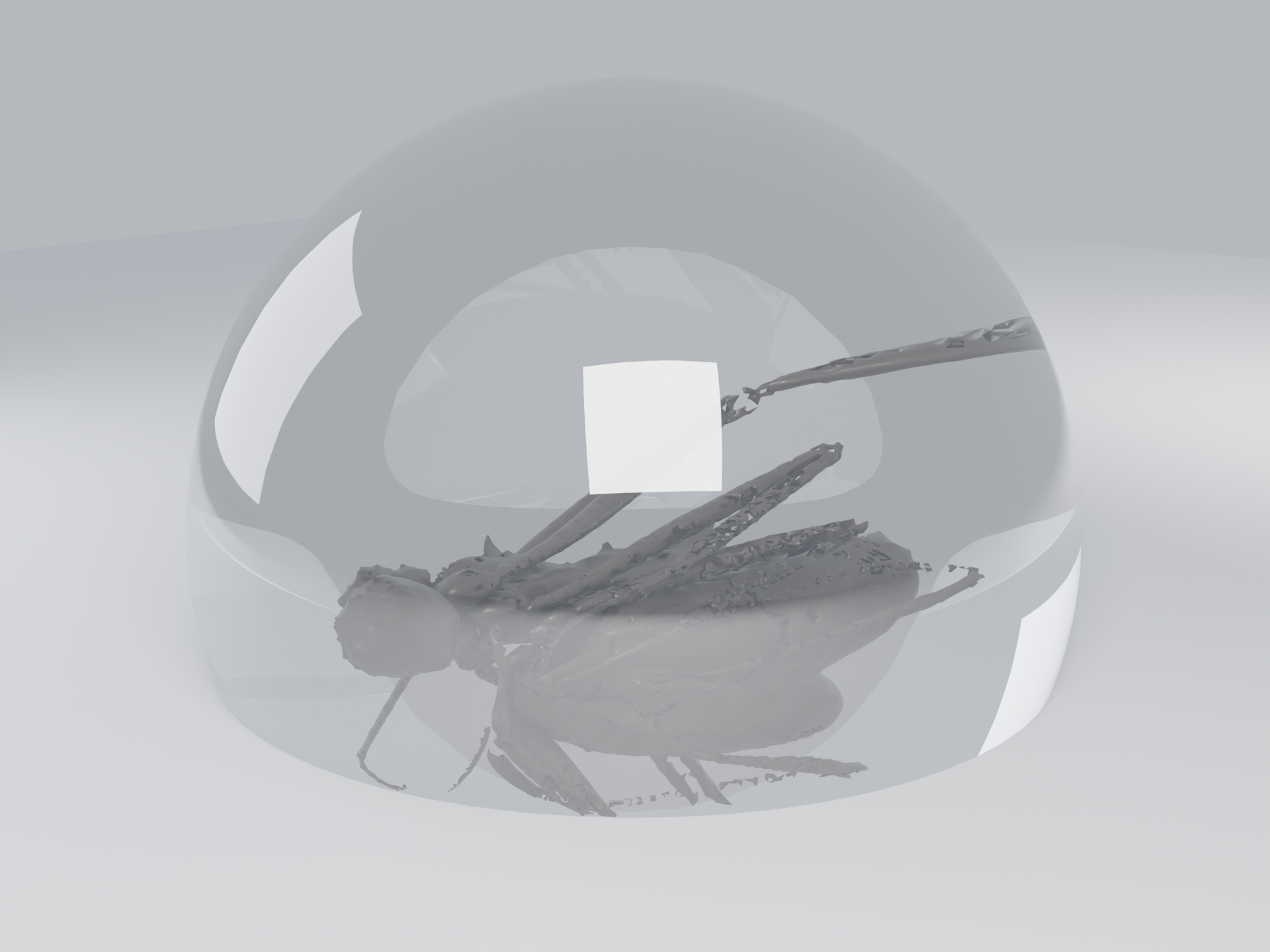
Transmission Weight 1.0 · Roughness 0.0 · IOR 2.42
- Ant: Antscan specimen 1031, Acromyrmex balzani, CC BY 4.0
Subsurface and glass
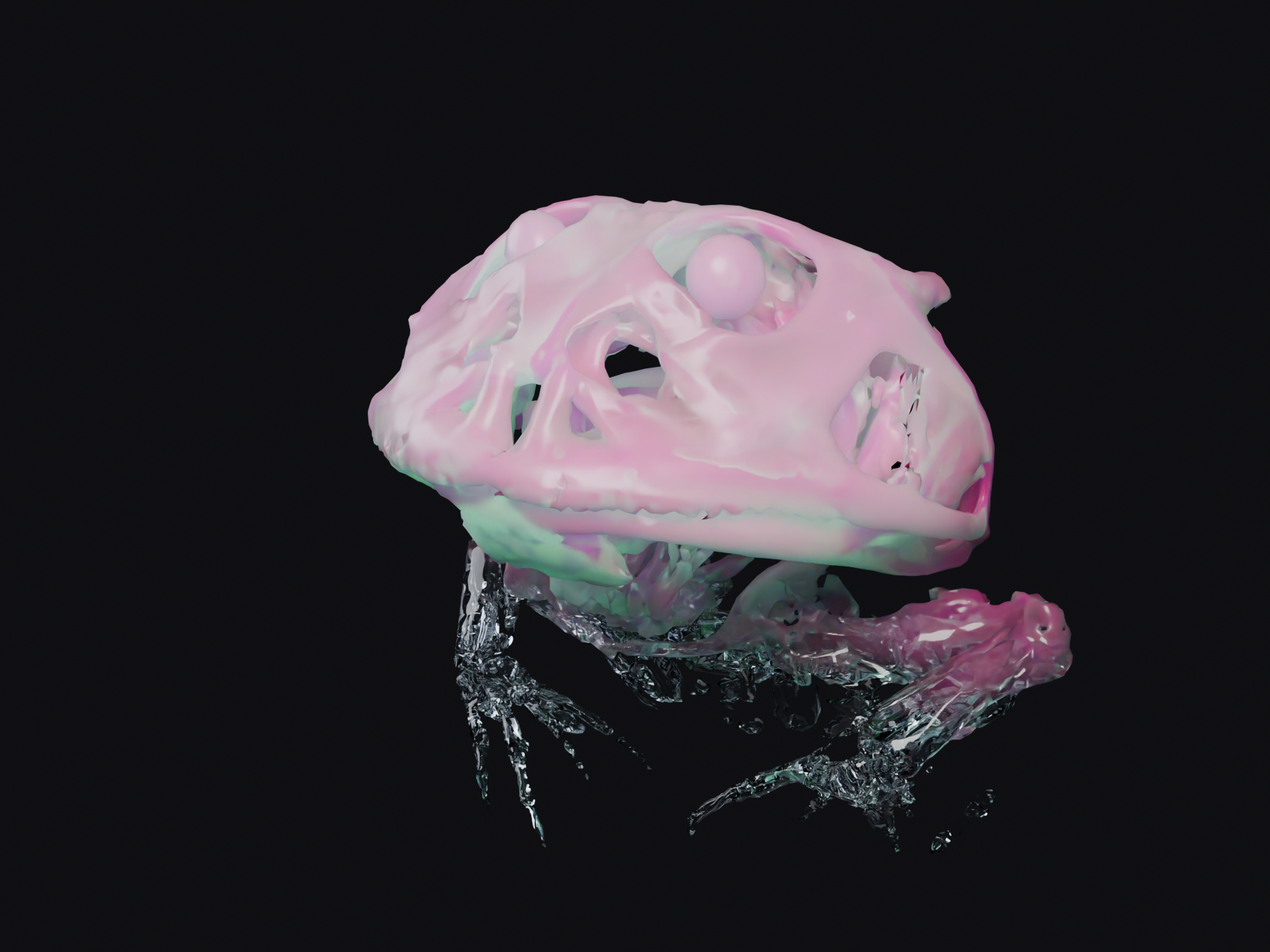
Top: Subsurface Weight 1.0, Radius (0.01, 2.2, 0.05), Scale 2.0 · Bottom: Transmission Weight 1.0, Roughness 0.02, IOR 1.45
- Frog: Kleinteich & Gorb, CC0
The difference
- Alpha - blends with what’s behind, nothing bends
- Transmission - light actually refracts through
- Subsurface - light scatters inside, exits elsewhere
- Roughness, IOR, Thin Wall - shape Transmission, don’t replace it