Converting Volumes to Meshes with VTK
Introduction
- VTK provides robust tools for generating meshes from volumes, including labelmaps and raw pixel data.
- FlyingEdges3D is a highly efficient algorithm for generating iso-surfaces from volumetric data.
- VTK supports advanced options for mesh optimization, including smoothing and decimation.
Solution to run conversion code automatically
To simplify and unify solutions used in our tutorials, we use Album, a tool for capturing and sharing specific software use cases in dedicated virtual environments.
Click the solution box next to this text and follow the displayed usage instructions to run the solution either from command line or graphical interface.
No catalogs found in .Site.Data.catalogs.
Dependencies
Volume conversion using vtkFlyingEdges3D
- Add zero border around dataset
- Load volumetric image using
vtkImageData - Generate meshes using
vtkFlyingEdges3Dalgorithm - Set threshold between foreground and background via
GenerateValues (int numContours, double rangeStart, double rangeEnd)
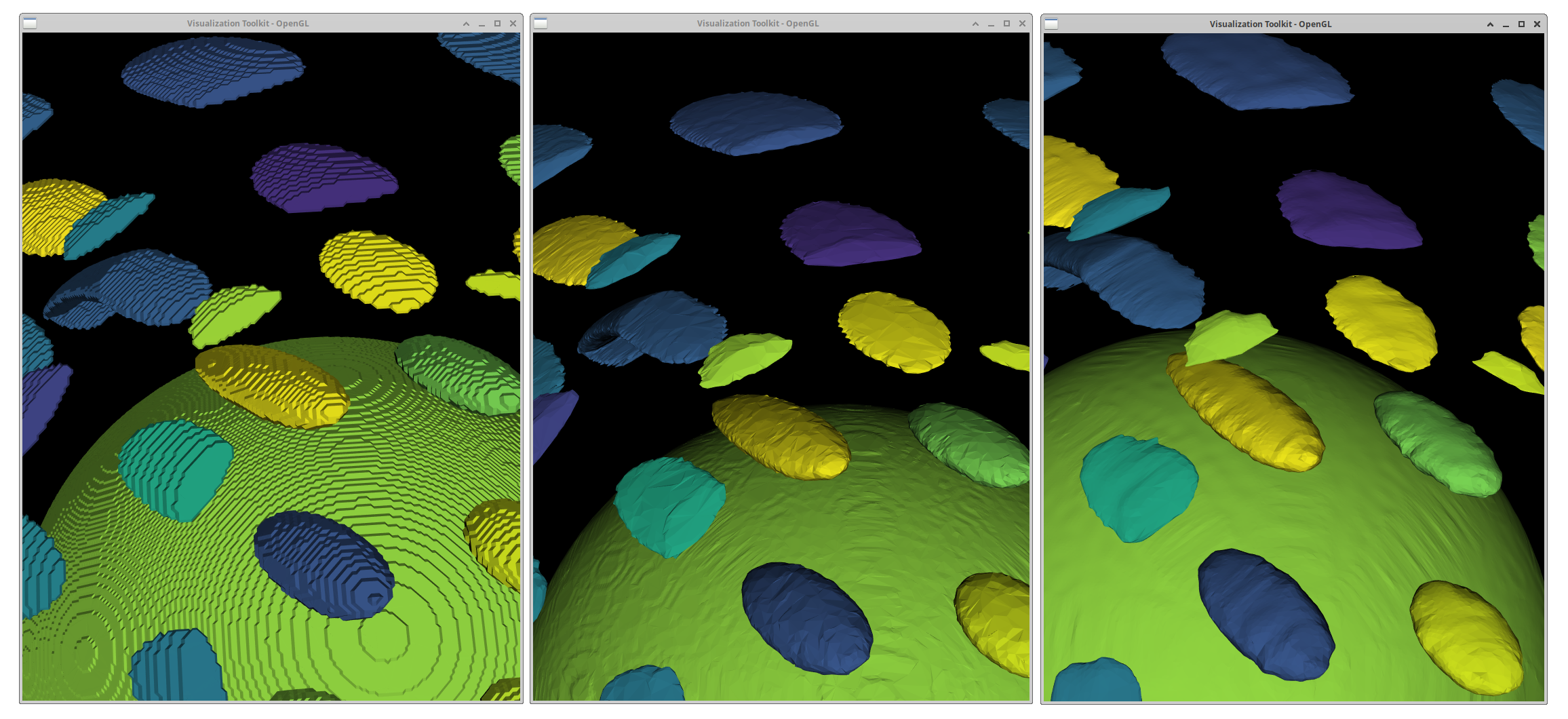
Smoothing
- Number of iterations: Controls how many smoothing passes are applied.
- Feature Edge Smoothing: Ensures that important edges are preserved while smoothing.
- Boundary Smoothing: Smooths out the mesh along the boundaries.
Decimate geometry
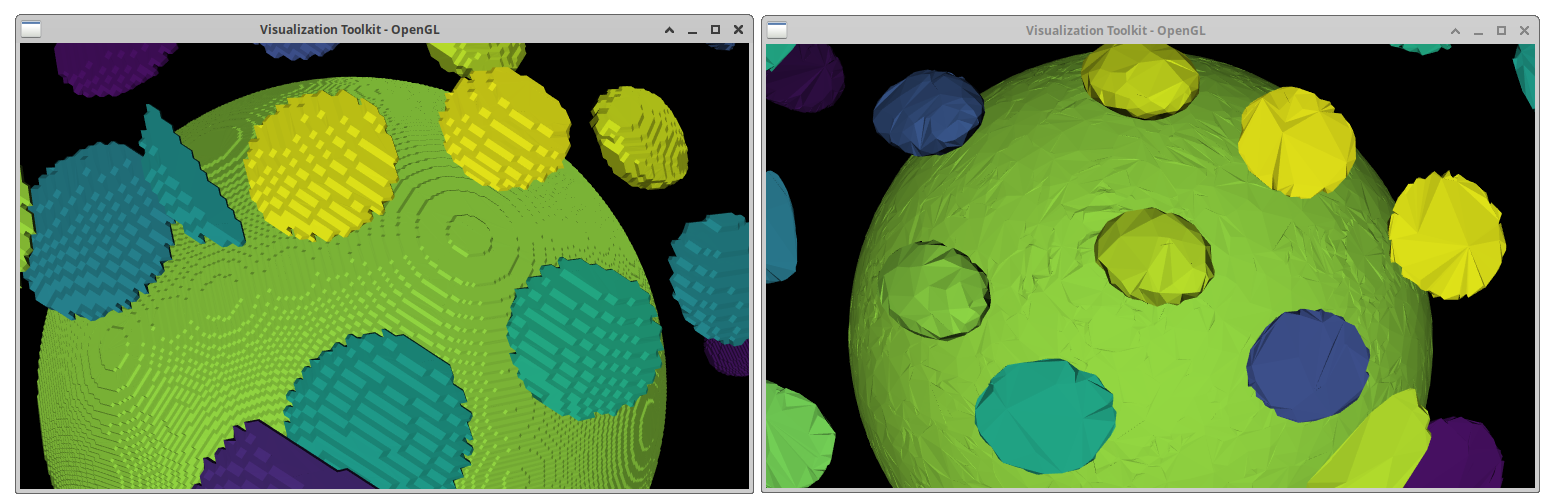
- Target Reduction: Defines the percentage reduction in the number of polygons (e.g., 0.5 for 50% reduction).
- Preserve Topology: Ensures that the overall shape and connectivity of the mesh are maintained during decimation.
Write STL file
The final step in this process is to write the generated mesh to an STL file. STL files are widely used for 3D printing, simulations, and visualizations in tools like Blender.