Volumetric data rendering with Neuroglancer
Deborah Schmidt
Helmholtz Imaging | MDC Berlin
Sep 25, 2024

Introduction
Main Features:
- Voxel-based rendering: Efficiently visualize large 3D datasets by streaming the data directly into the browser.
- Support for multiple data formats: Neuroglancer works with a variety of formats like ZARR and OME-ZARR for volumetric images, as well as annotation formats.
- Interactive, shareable views: Customize and share views by copying the URL directly from the Neuroglancer interface.
Available datasets
Popular datasets using Neuroglancer
- MICrONS Explorer: A large-scale dataset from the MICrONS Project, providing high-resolution volumetric reconstructions of a mouse brain.
- FlyEM Hemibrain: This dataset offers a detailed 3D reconstruction of the Drosophila melanogaster brain at nanometer resolution.
- “H01” Dataset: 1.4 Petabyte for one cubic millimeter of the human brain, released by the Harvard University and the Connectomics at Google team.
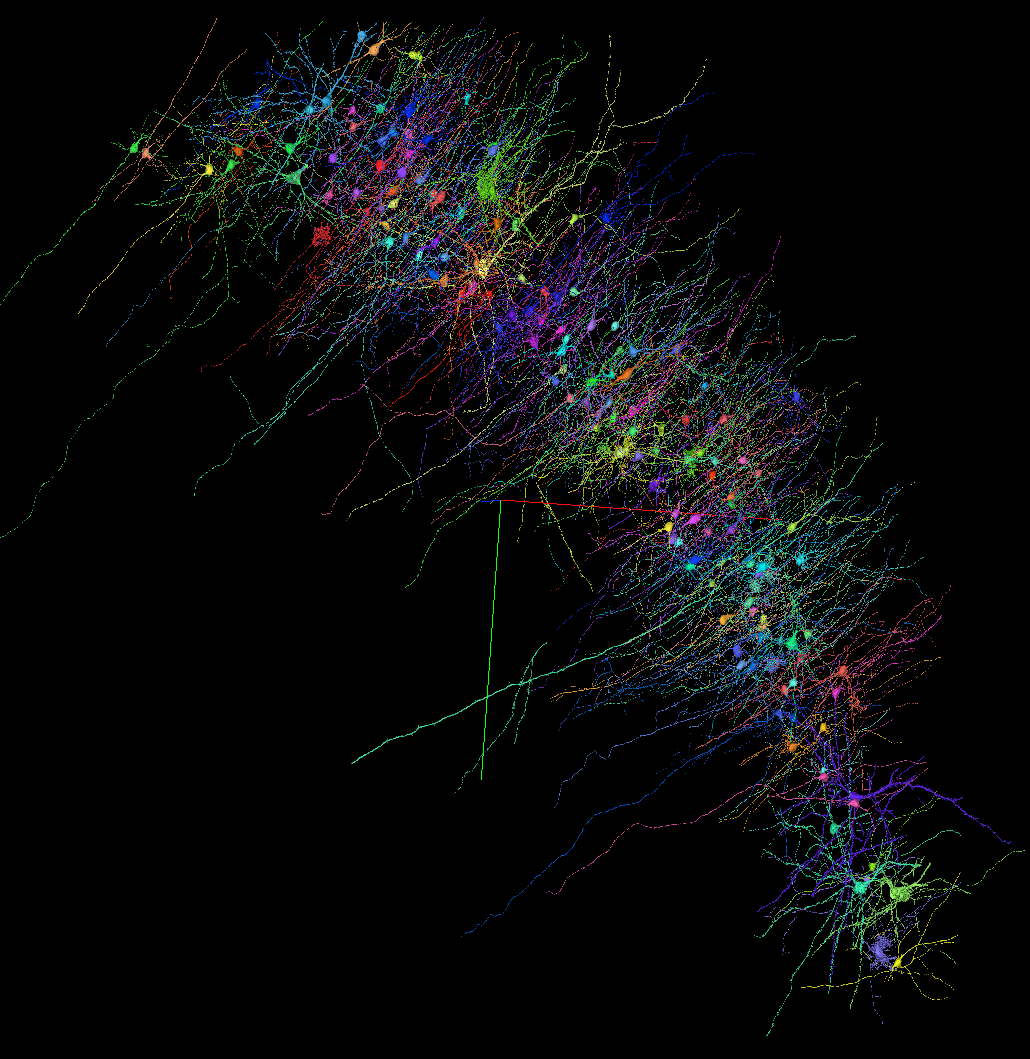
Screenshot from the H01 Dataset (link)
Available datasets
Helmholtz Imaging collaboration use case
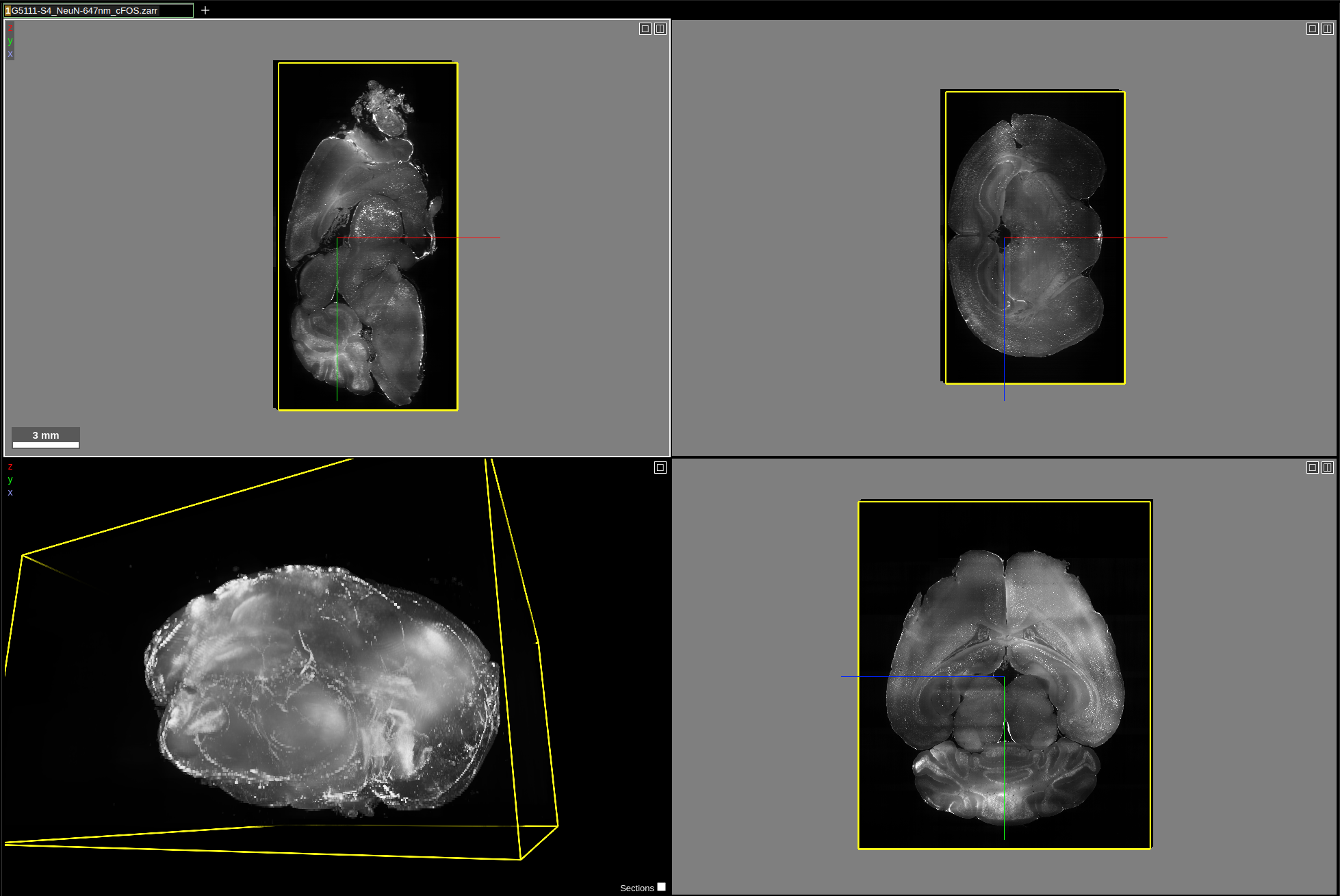
Dataset requirements
Supported Data Types
- Neuroglancer precomputed format
- N5
- Zarr v2/v3 (including OME-ZARR)
- Python in-memory volumes (with automatic mesh generation)
- BOSS , DVID, Render, Single NIfTI files, Deep Zoom images
Data hosting for Neuroglancer
- Local Hosting: Serve data from your own machine or institution’s servers.
- AWS S3 or Google Cloud Storage: Store large datasets and stream them to Neuroglancer from the cloud.
- Scientific Data Services: e.g. BioImage Archive
- Do you know other compatible hosting places? Let us know!
Data hosting for Neuroglancer
Helmholtz storage compatible to Neuroglancer
Collaboration between Helmholtz Imaging and HIFIS at DESY, with the support of the Jülich Cluster.


- dCache / InfiniteSpace: Secure, scalable storage solution for Helmholtz researchers to host and stream datasets. The data hosted on the storage can be shared publicly.
Steps:
- Authenticate yourself to access the storage using AAI.
- Upload the data, i.e. using
rclonecommand line tool or theRclone BrowserGUI